 Real Estate Downloader
Homes Data Exporter v1.0.1
Download the Chrome extension ZIP directly from Real Estate Downloader. This is an alternative to the Chrome Web Store for users who need to install the latest version manually. You can continue to use your existing WebStar account and subscription.
↓ Download Extension ZIP — v1.0.1Before you start: Manual installation requires Chrome Developer mode. Unzip the package first; never select the ZIP itself in Chrome. Only install extensions from sources you trust.
How to install in Chrome
Download the package
Click Download Extension ZIP above. Find homes-data-exporter-v1.0.1.zip in your Downloads folder.
Unzip / extract all files
On Windows, right-click the ZIP and choose Extract All. On macOS, double-click it. Keep the extracted folder somewhere permanent.
Open the folder and verify it directly contains manifest.json, index.html, and other extension files.
Open Chrome's Extensions page
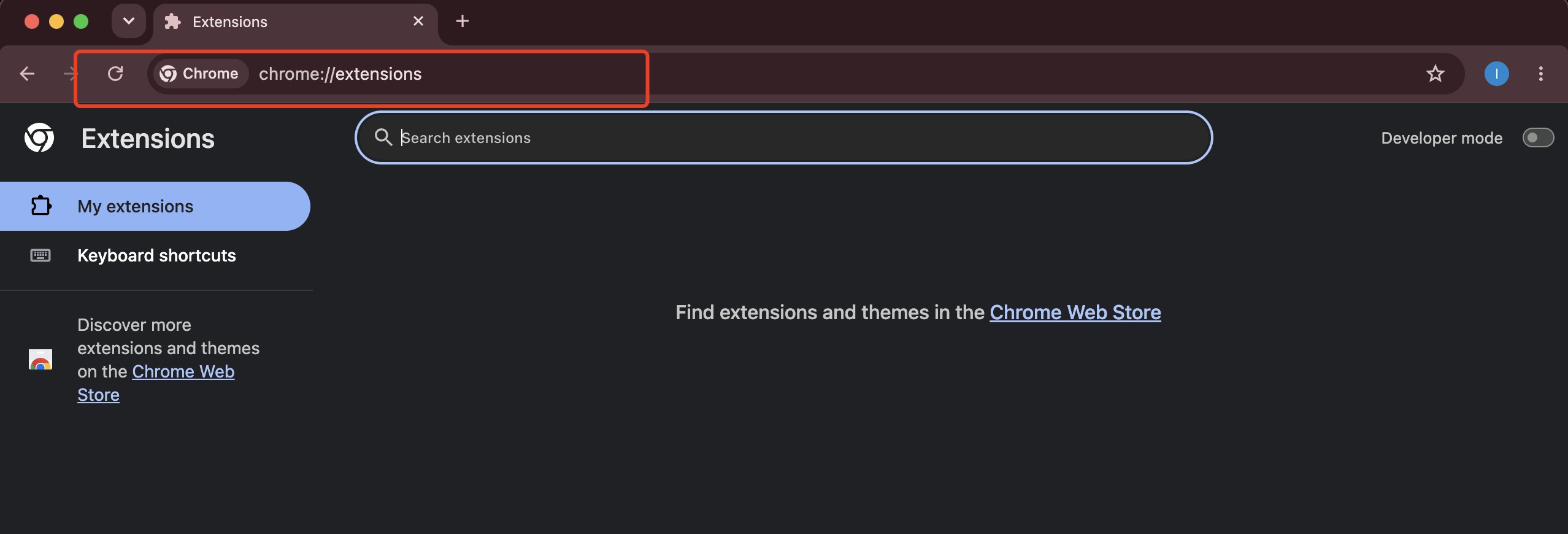
In the Chrome address bar, enter chrome://extensions and press Enter.
Enable Developer mode
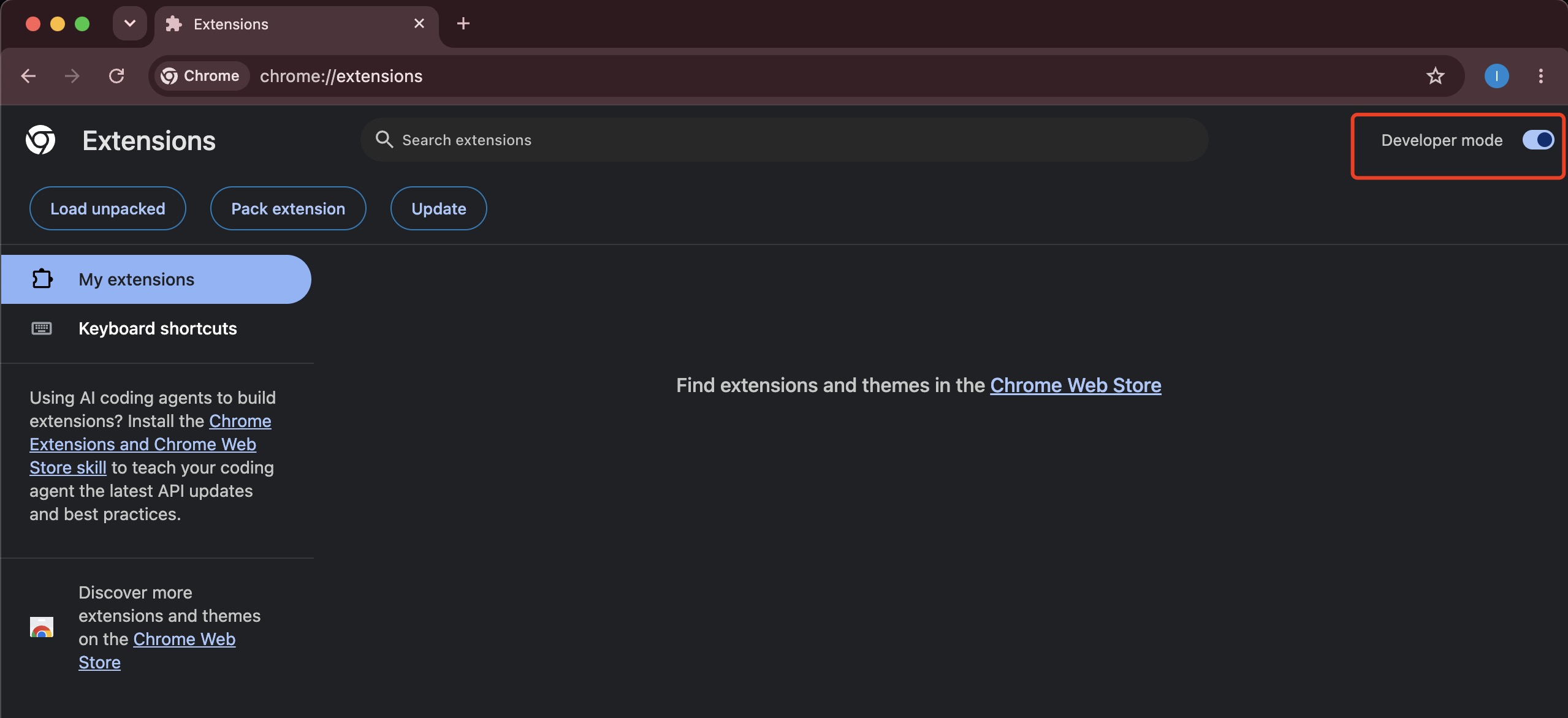
Turn on Developer mode in the upper-right corner of the Chrome Extensions page.
Click Load unpacked
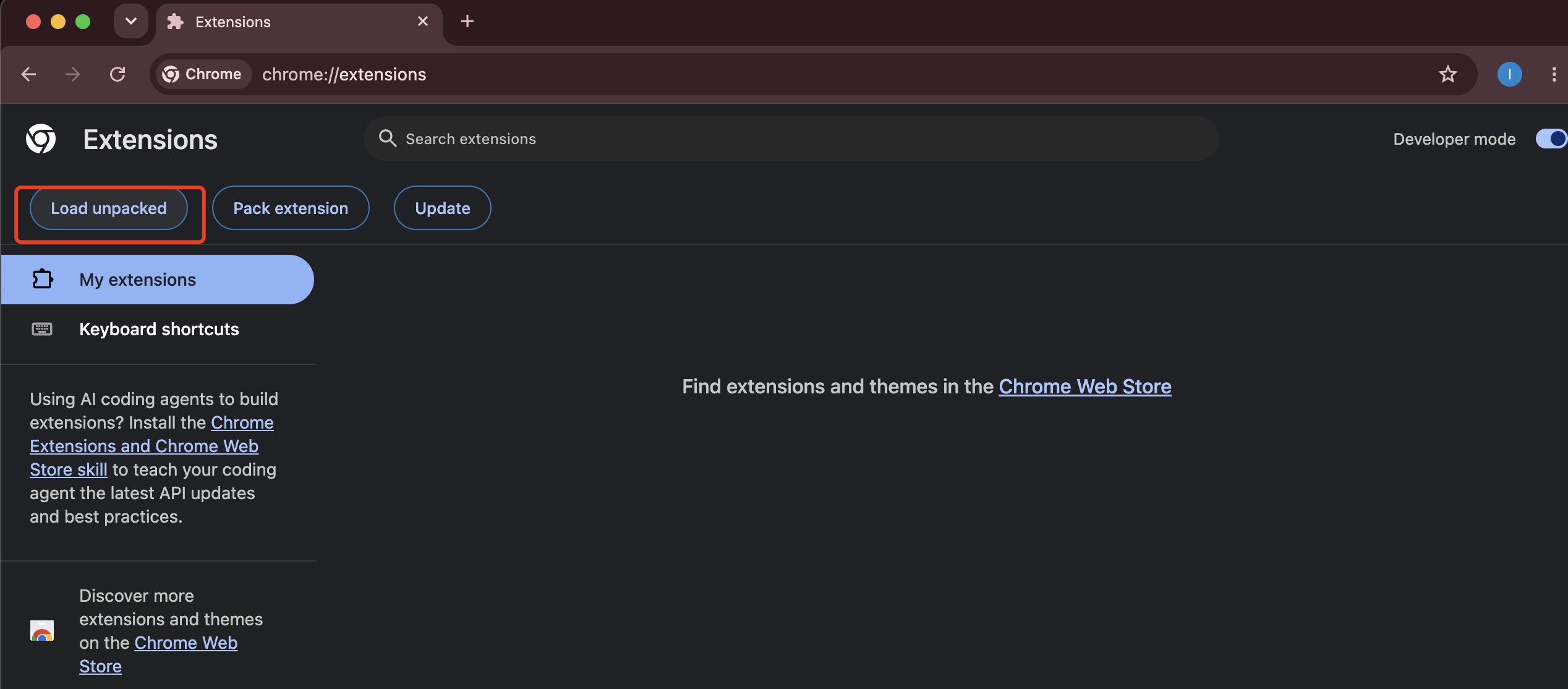
Click Load unpacked and select the entire extracted Homes Data Exporter folder — the folder that directly contains manifest.json. Confirm the selection.
Open Homes.com and start exporting
Find Homes.com Data Exporter - Agent & Property Export on the Extensions page and confirm version 1.0.1. Pin it from Chrome's puzzle-piece menu if useful. Open a Homes.com search or sold-results page, click the extension, and export data. Sign in through your normal WebStar login when prompted.
Need help?
How do I update an earlier manually installed version?
Back up your extracted folder, then replace its contents with the new version while keeping the same folder location and reload it from chrome://extensions. Avoid removing the extension unnecessarily, because uninstalling it may clear local extension data. The extension ID remains dpjnmeojegcppanimabhmebniobjcien.
Chrome says "Manifest file is missing or unreadable".
Make sure you extracted the ZIP. In the file chooser, select the folder that directly contains manifest.json, not the ZIP itself or a parent folder.
Can I still use the Chrome Web Store?
Yes. Install from Chrome Web Store if you prefer automatic updates. This page is an alternative manual download, not the store.
What should I do if the extension isn't working?
On chrome://extensions, press Reload on the extension card. Ensure you're browsing Homes.com and check for an error badge. For help, email support@webstarue.com.